Why Screen Always On
One switch
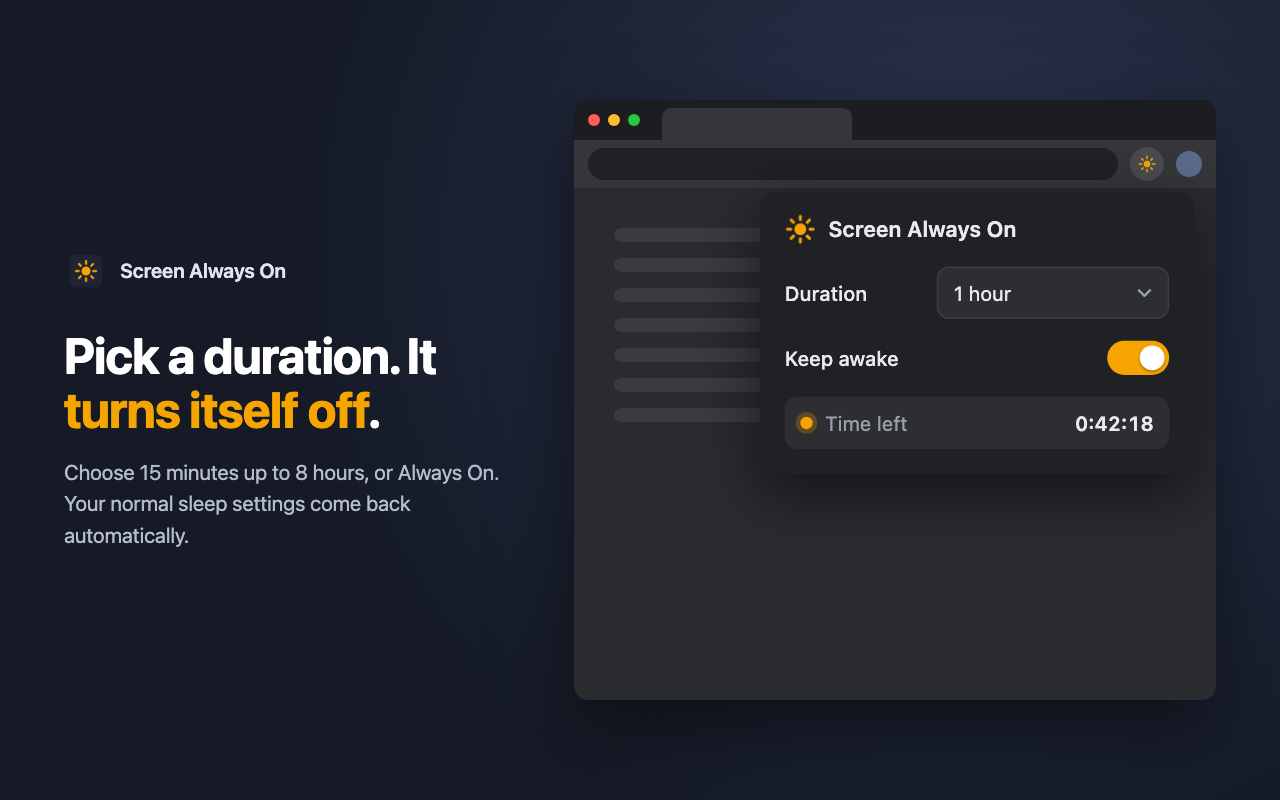
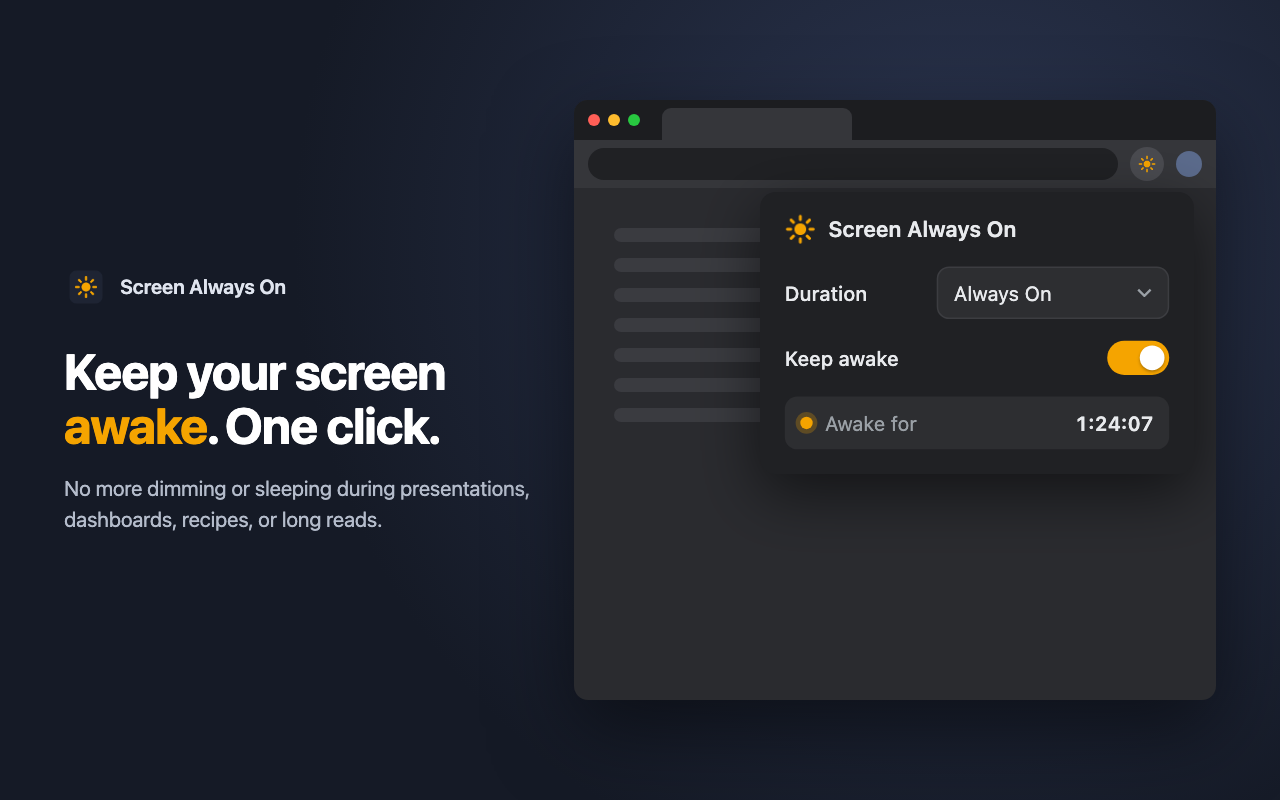
Click the sun icon, flip Keep awake, done. The icon turns amber while it's active.
Timer or always on
Choose 15 minutes up to 8 hours, or Always On. When time runs out, your normal settings return.
Private by design
No sign-up, no analytics, no network requests. It never reads the pages you visit.
How it works
- Add Screen Always On to Chrome and pin it to your toolbar.
- Click the sun icon and pick a duration.
- Turn on Keep awake. The popup shows the time left.
- Turn it off any time, or let the timer end it for you.